

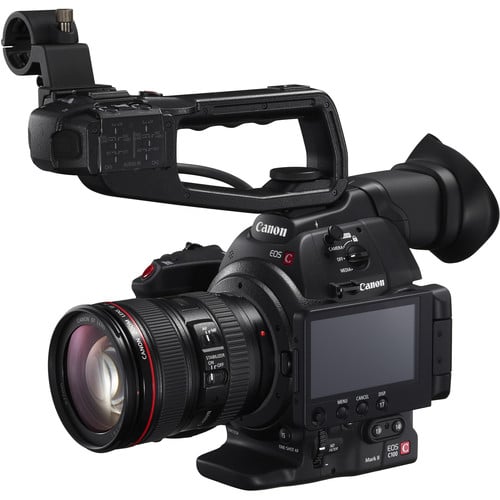
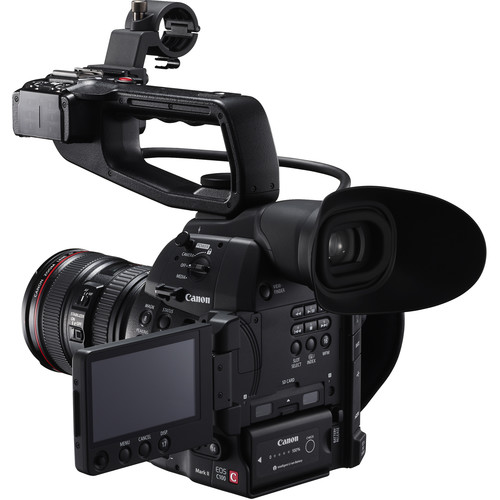
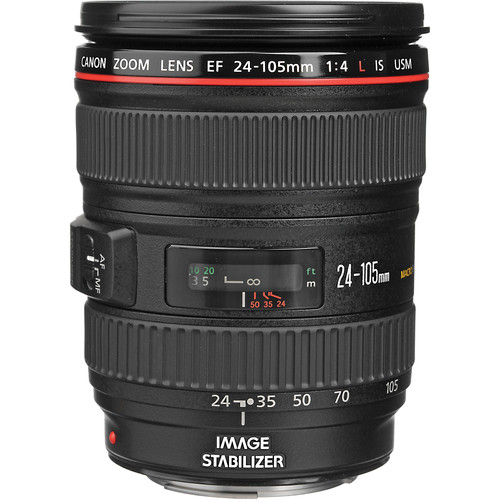
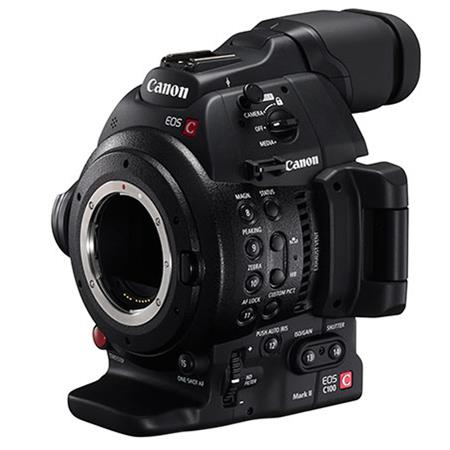

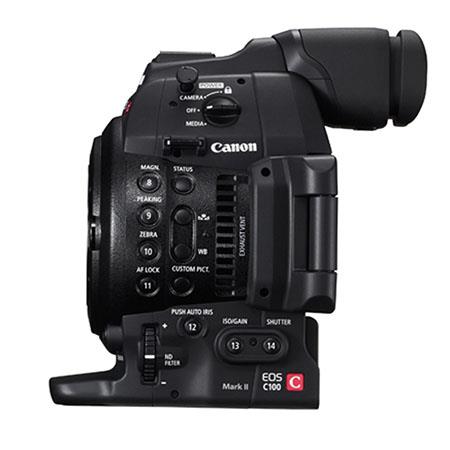
Canon EOS C100 Mark II with Dual Pixel CMOS AF & EF 24-105mm f/4L IS II USM Zoom Lens Kit
Key Features;
- HDMI Output with Timecode & C-Log LUT
- ISO 320 to 102,400
- Dual SDHC/SDXC Media Card Slots
- Two XLR Audio Connectors
- Built-In Wi-Fi Capability
- Super 35mm 8.3MP CMOS Sensor
- EF Mount 24-105mm f/4L IS USM Lens
- 1920x1080p 59.94/50/29.97/25/23.98
- Dual Pixel CMOS AF Hardware
- AVCHD and MP4 Recording
- Kindly Note: Prices and Stock Status are Subject to Change without Prior Notice
- Bank Financing attracts an additional percentage
- NB: Warranty registration is the customer's responsibility
- Disclaimer. We can not guarantee that the product specs information on this page is 100% correct.
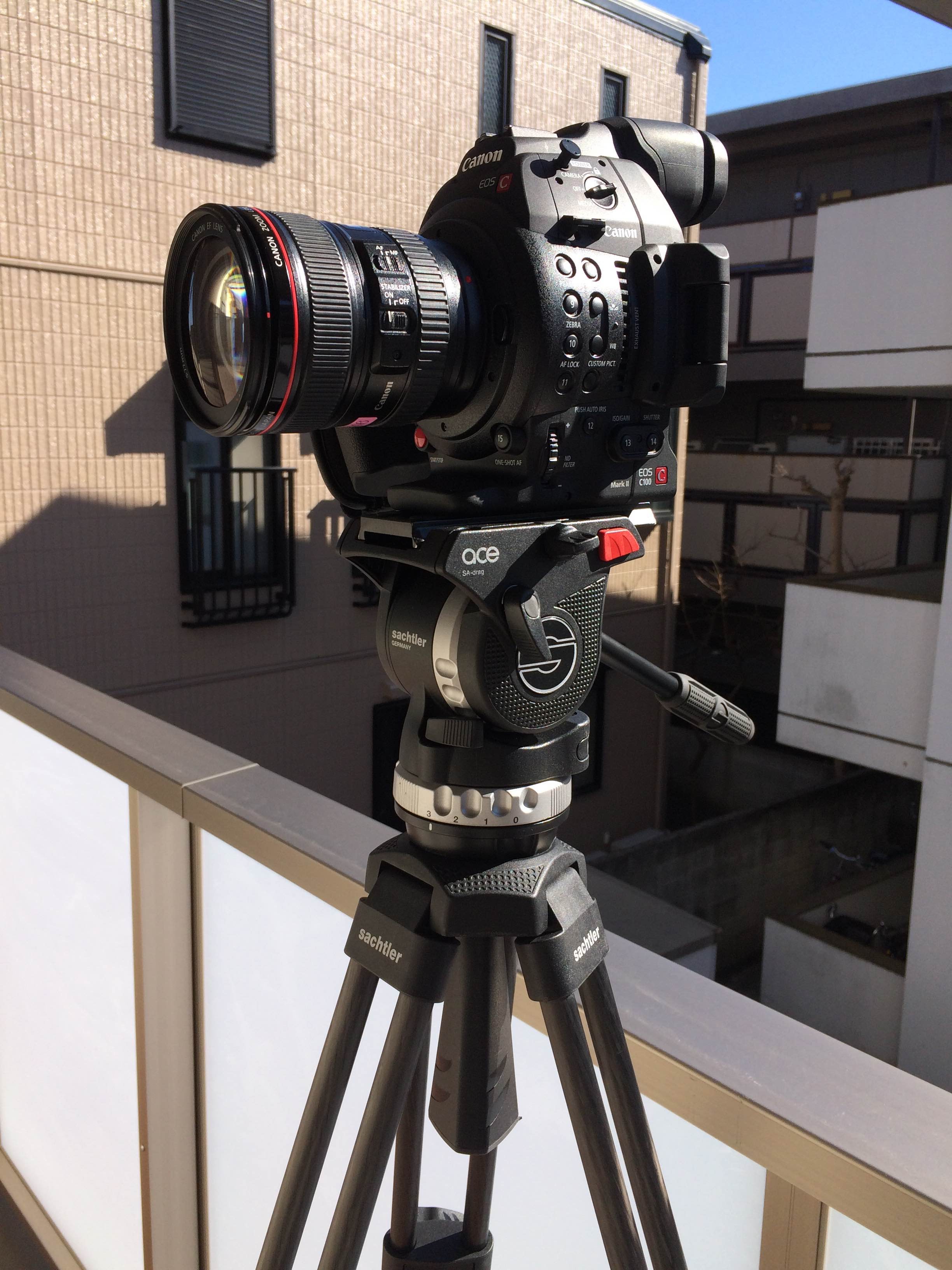
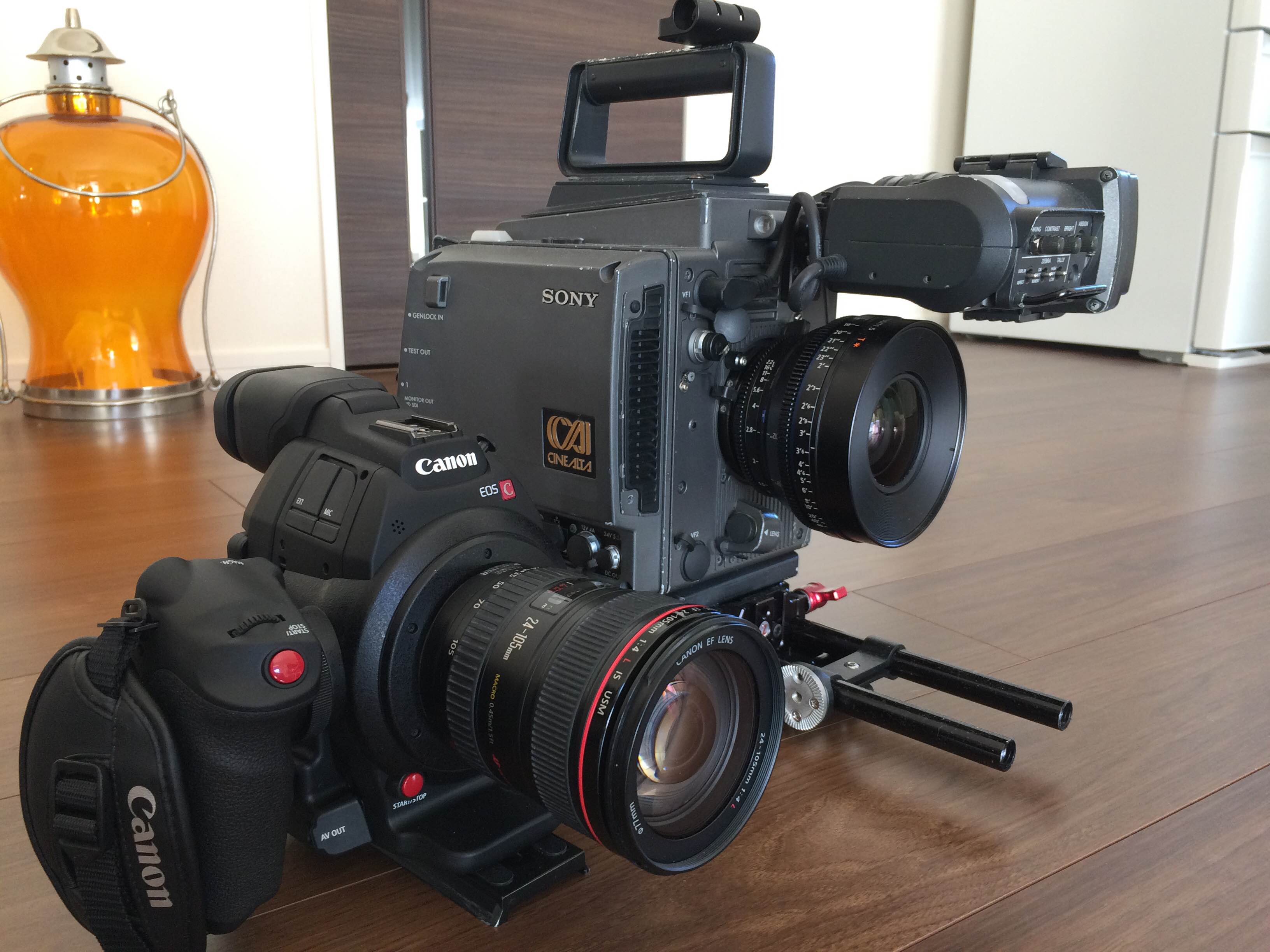
A good test for me on how easy a camera is to use is to pick it up, turn it on, set it up and use it without looking at any instructions. Apart from a few small things that I encountered the camera was pretty straight forward to operate and set up. For an operator picking up the camera for the first time I think they could be up and shooting quite quickly.
The main thing that I thought was strange when setting up the camera was how to choose what frame rate or codec to shoot in. The C100 Mark II gives you the option of recording in either AVCHD or MPEG4. While this sounds quite straight forward the sett
FUNCTIONALITY
On the positive side the rest of the camera was very easy to use and changing basic functions like aperture, ISO, ND,shutter speed and white balance is a breeze. I did not use any external devices such as aftermarket EVFs, monitors or camera rigs as I wanted to see how easy the camera was to operate and use straight out of the box. The C100 Mark II has a flip out LED screen as well as a inbuilt EVF. As it was a bright sunny day I primarily used the EVF and not the flip out screen. One problem I found when doing this is that the waveform cannot be seen on the EVF and I had to have the flip out screen open to use this feature. The quality of the EVF and LCD screen are good but not great. I didn’t have any real problems using the EVF apart from the odd time when I wanted to shoot specific angles. The EVF has very little angle adjustment range and becomes useless when trying to shoot with the camera on a tripod at any height above eye level. The LCD screen has plenty of range and movement but like all LCD screens you struggle to see it in bright sunlight (Ed- alhough I guess you could add a Zacuto Z-finder).

BUILD QUALITY
The C100 Mark II feels solid in the hand and the flip out LCD screen and EVF are strong and don’t feel like they would break easily. The removable top handle that features all the audio inputs and controls attaches to the main body of the camera via a cold shoe. While this if fairly secure, on the camera I tested it did tend to wobble around a little bit – something the original C100 was also guilty of.
Related products



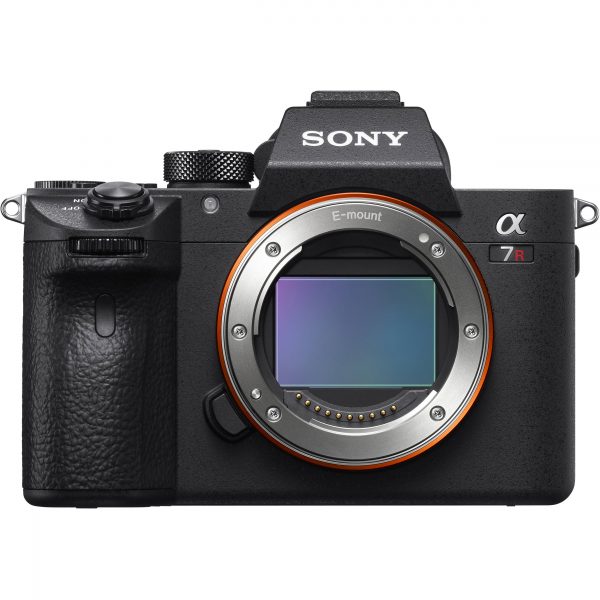
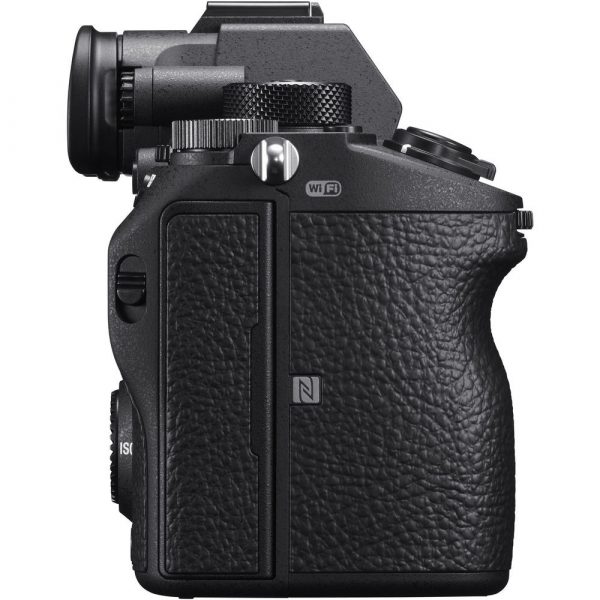
Sony Alpha a7R III Mirrorless Digital Camera (Body Only)
Key Features:
- 42MP Full-Frame Exmor R BSI CMOS Sensor
- BIONZ X Image Processor & Front-End LSI
- 399-Point AF System & 10 fps Shooting
- UHD 4K30p Video with HLG & S-Log3 Gammas
- 3.69m-Dot Tru-Finder OLED EVF
- 3.0″ 1.44m-Dot Tilting Touchscreen LCD
- 5-Axis SteadyShot INSIDE Stabilization
- ISO 102400 & Pixel Shift Multi Shooting
- Built-In Wi-Fi/Bluetooth, Dual SD Slots
- USB 3.1 Gen 1 Type-C Port & PC Sync Port
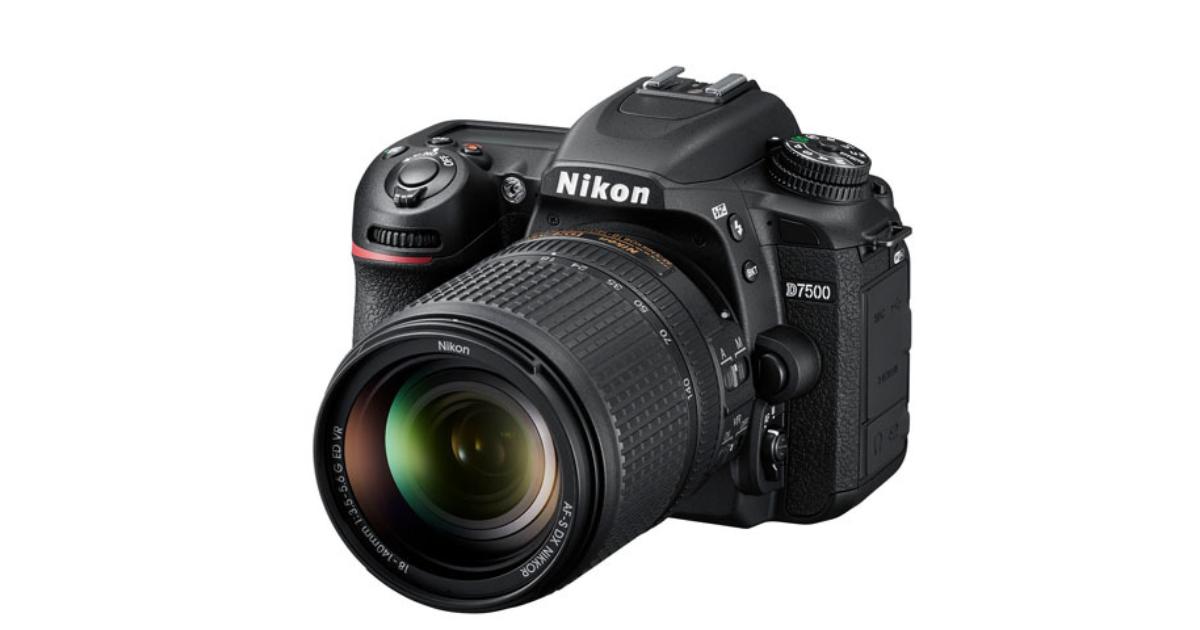

Nikon D7500 DSLR Camera with 18-140mm Lens
- 20.9 mega-pixels CMOS Sensor
- Large 3.2” 922K dot, tilting LCD screen with touch functionality
- 4K Ultra HD and 1080p Full HD video with stereo sound, power aperture control, auto ISO, 4K UHD Time-Lapse and more
- Built-in Wi-Fi and Bluetooth for easy connectivity through the Nikon SnapBridge App
- DX format
- 51-point AF system features group-area AF for secure subject trackinga
Reviews
There are no reviews yet.